
NVIDIA has pioneered countless gaming innovations, including tackling vertical synchronization issues with its G-Sync technology. We now have a fresh incarnation of this technology in G-Sync Ultimate. This article will help you determine if G-Sync Ultimate will be worth your effort (and money).
The topic of vertical synchronization has been discussed at substantial length before, but if you’re unfamiliar, we’ll give you a concise summary.
**Vertical Synchronization** is a technique used to synchronize the frames that a graphics card produces with the pictures displayed on the screen.
The issue typically occurs when a GPU produces more frames than can be displayed by the monitor’s peak refresh rate.
This means the monitor will try to display extra frames than it is capable of and, as a result, will show two images merged into one. This effect is also known as screen tearing.
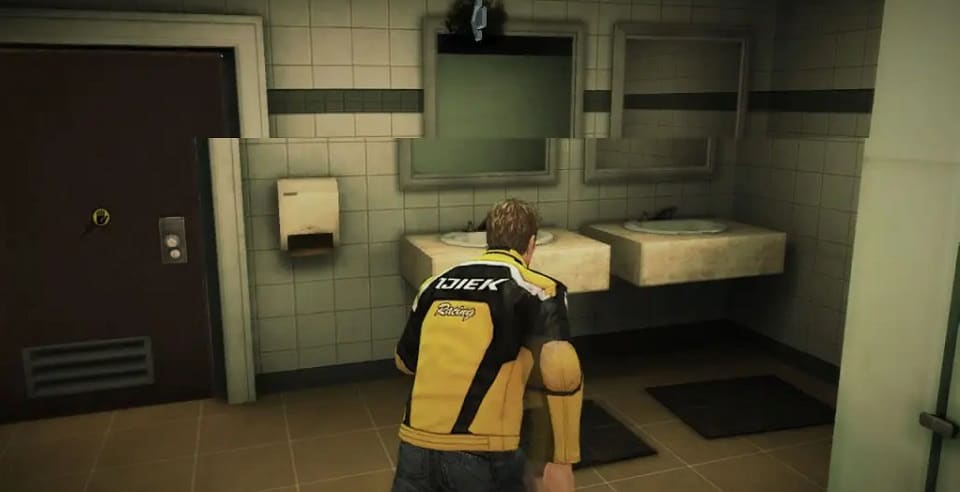
This issue was primarily addressed by NVIDIA’s G-Sync (and AMD’s FreeSync), so what is the goal of G-Sync Ultimate?
Additional Cost
In short, as of 2025, G-Sync Ultimate isn’t worth the additional cost. It brings a slight increase in price for G-Sync certified monitors and likely for NVIDIA’s latest RTX 3000 series graphics cards.
As you might know, G-Sync already has an irritating additional cost that monitor manufacturers must pay to use NVIDIA’s module. With the improvements that G-Sync Ultimate is bringing, it’s no surprise that it costs more.
One of the primary arguments against this is that AMD offers a comparable product that is entirely free of any extra cost (hence the FreeSync name).
If you desire an outstanding gaming experience and aren’t too concerned about the price, then we must express that G-Sync Ultimate is absolutely essential.
Before we lay out all the capabilities of G-Sync Ultimate, we have to address the massive elephant in the room.
HDR Brightness
When information on G-Sync Ultimate first appeared on NVIDIA’s website, they were boasting about 1000+ nits HDR. However, this changed in January 2021 to “genuine HDR“. The reason for this is that NVIDIA began adding OLED displays to the list of G-Sync compatible monitors, and they are unable of producing 1000+ nits.
At most, an OLED monitor will give you 600-700 nits, meaning you have a choice to make when getting a fresh monitor. The illumination will still be superb because OLED is good at it. Unless you’re able to really detect the minor changes in lighting, you probably won’t notice a difference.
On the contrary, it’s remarkable that NVIDIA added 1152 backlight areas, providing those HDR pictures with enhanced accuracy. Another exceptional aspect is the display modes with very little motion blur. This permits for gameplay that appears even more fluid.
Probably the most captivating advancement of G-Sync Ultimate is the refresh rate overclocking. Since the G-Sync Ultimate module possesses its own processor, NVIDIA can offer users the option to boost the monitor’s refresh rate to match the frames produced by the GPU.


